Answer
How does the CRE Build pipeline work?
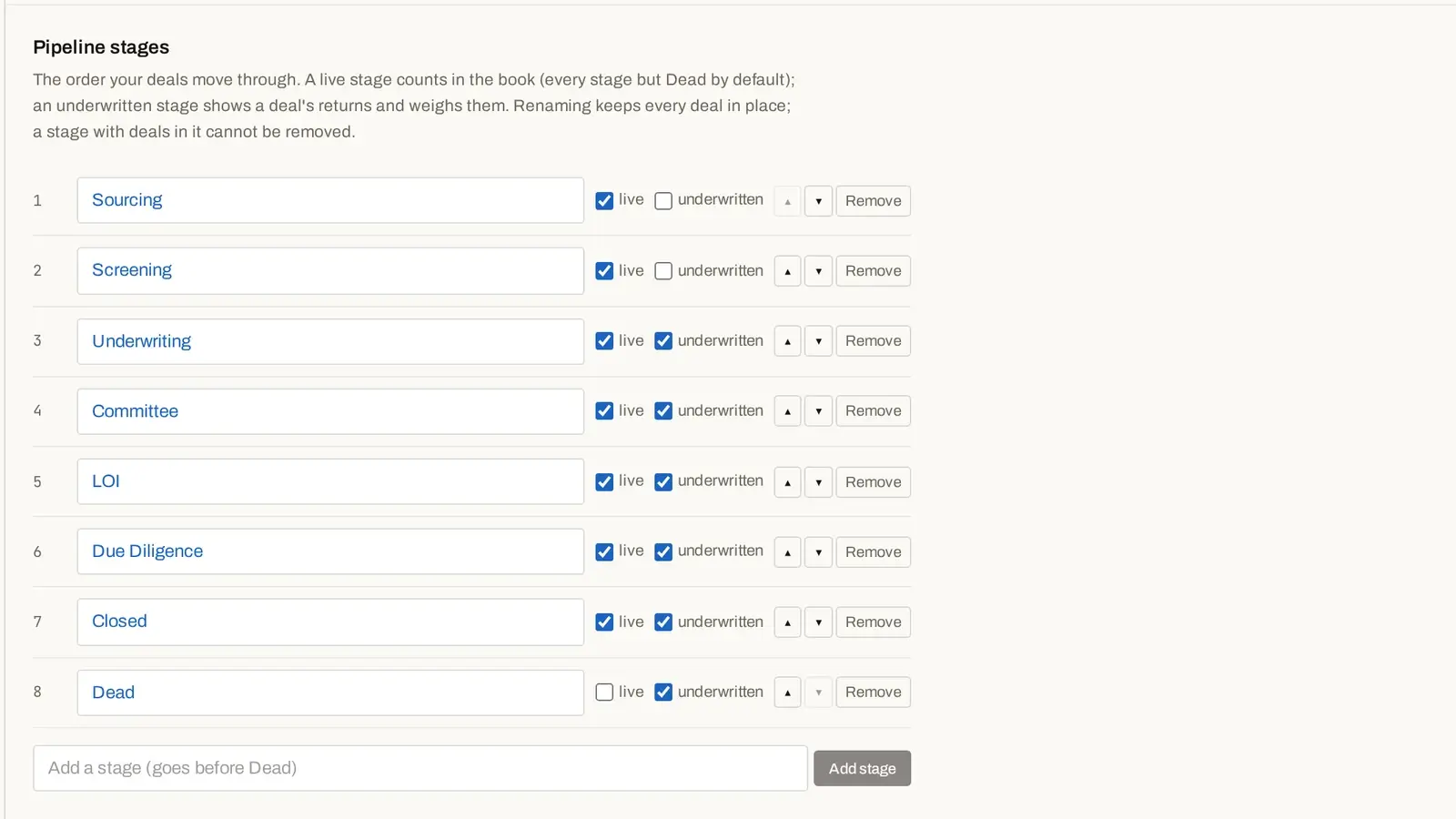
The Pipeline shows every deal on a board, table or map. Filter by name, market or strategy, choose columns and save the view. Stages default to Sourcing, Screening, Underwriting, Committee, LOI, Due Diligence, Closed and Dead, and you can rename, reorder, remove or add stages in Settings › Pipeline stages.
Answer
What is on each deal's page?
Each deal page holds its stage and tasks, notes, versions and an Activity log of what happened, by whom and when, such as creation, stage changes, saves, shares and renames. From the deal menu you can rename, duplicate, archive or delete the deal, and restore a deleted deal from the pipeline or its deal menu.

What you do with it
Track the deal where you model it
Board, table or map
Filter, pick columns, save views, and keep archived and deleted deals on their own shelves.
Your own stages
Rename, reorder, remove or add stages in Settings › Pipeline stages. The default runs Sourcing → Screening → Underwriting → Committee → LOI → Due Diligence → Closed → Dead.
The deal page
Track stage, tasks and notes on every deal, with the deal's Activity log.

Home
Home shows what needs you, recently opened deals, incoming proposals, rate-change alerts, the pipeline by stage, and totals across your book, with a feed of recent activity across your deals.

Everything in one place
Everything the pipeline does
- Pipeline
- Board
- Table
- Map
- Filter deals
- Columns
- Save view
- Pipeline stages
- Stage and tasks
- Notes
- Activity
- Home
- Needs you
- Recent activity
Deal actions
Rename, Duplicate, Archive, Delete
Rename, archive or delete a deal; deleted deals can be restored. Duplicate a deal with its scenarios and notes; the copy starts its own history.
Pick up where you left off
Open… saved models, and your default view
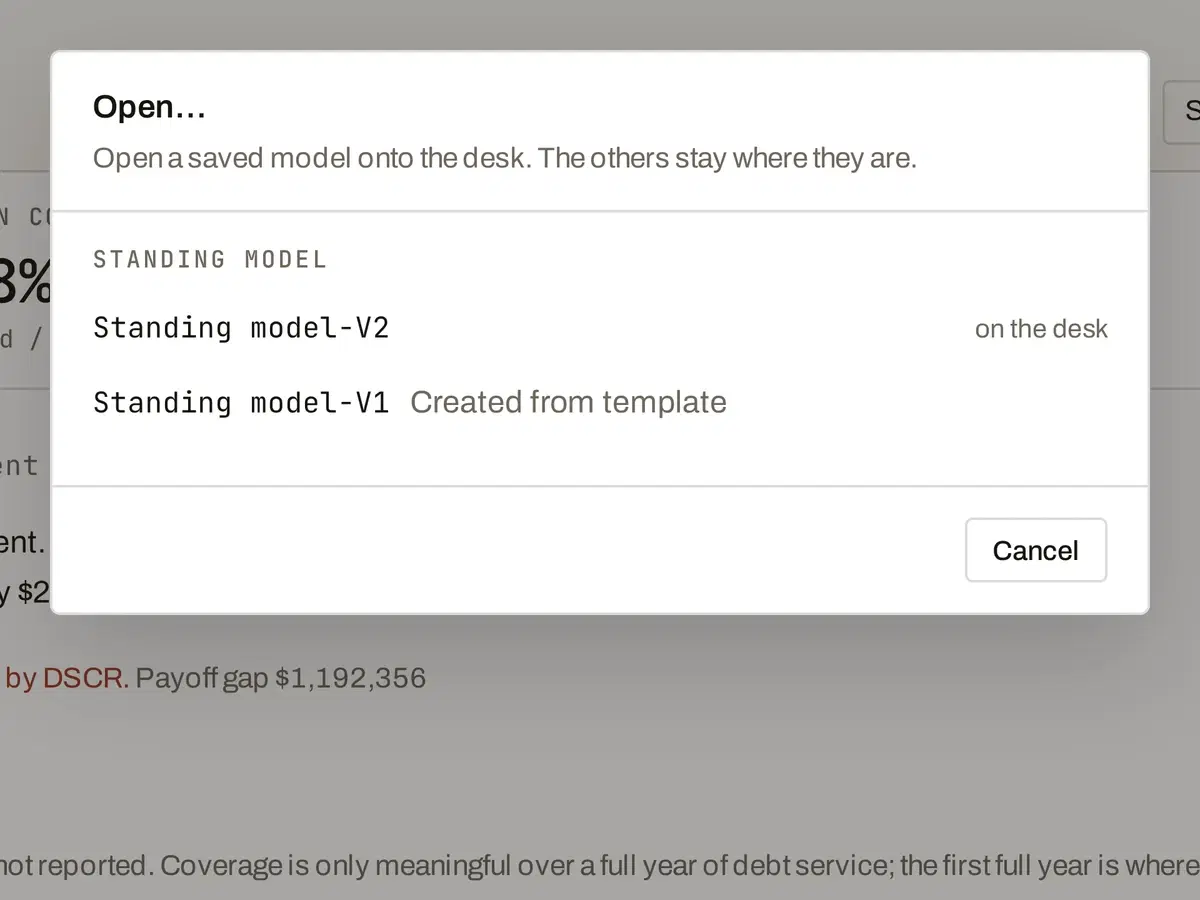
Open… puts any saved model on your desk, listed by lineage. Set Pipeline opens in to Board, Table or Map in Settings › Preferences.
How it works
How it works
- 01
Add a deal
+ New deal from a template.
- 02
Move it through stages
Your stages, on the board.
- 03
Work the deal page
Tasks, notes and activity.
- 04
Watch the book
Home shows what needs you.
Methodology
How the math works
One calculation engine computes every figure in the model, and the methodology page shows how each one is calculated.
FAQ
Questions
Can I duplicate a deal?
Yes. Duplicate copies the deal, its scenarios and its deviation notes, starts the copy at V1, and records it in both deals' Activity.
Can I restore a deleted deal?
Yes. Delete is a soft delete. Deleted and archived deals sit on their own shelves in the pipeline, and you can restore them from there.
What does Home show?
Home shows what needs you, recently opened deals, incoming proposals, rate-change alerts, the pipeline by stage, and totals across your book. It also has a feed of recent activity across your deals.
Pricing
Explore
Related features
Related feature
Versions & compare
Save versions, compare them line by line, and restore any one.
Explore →Related feature
Sharing & lender review
Share a private copy; your lender works in it free and sends back a proposal.
Explore →Related feature
Multifamily model
Every section of a multifamily deal, in order.
Explore →